

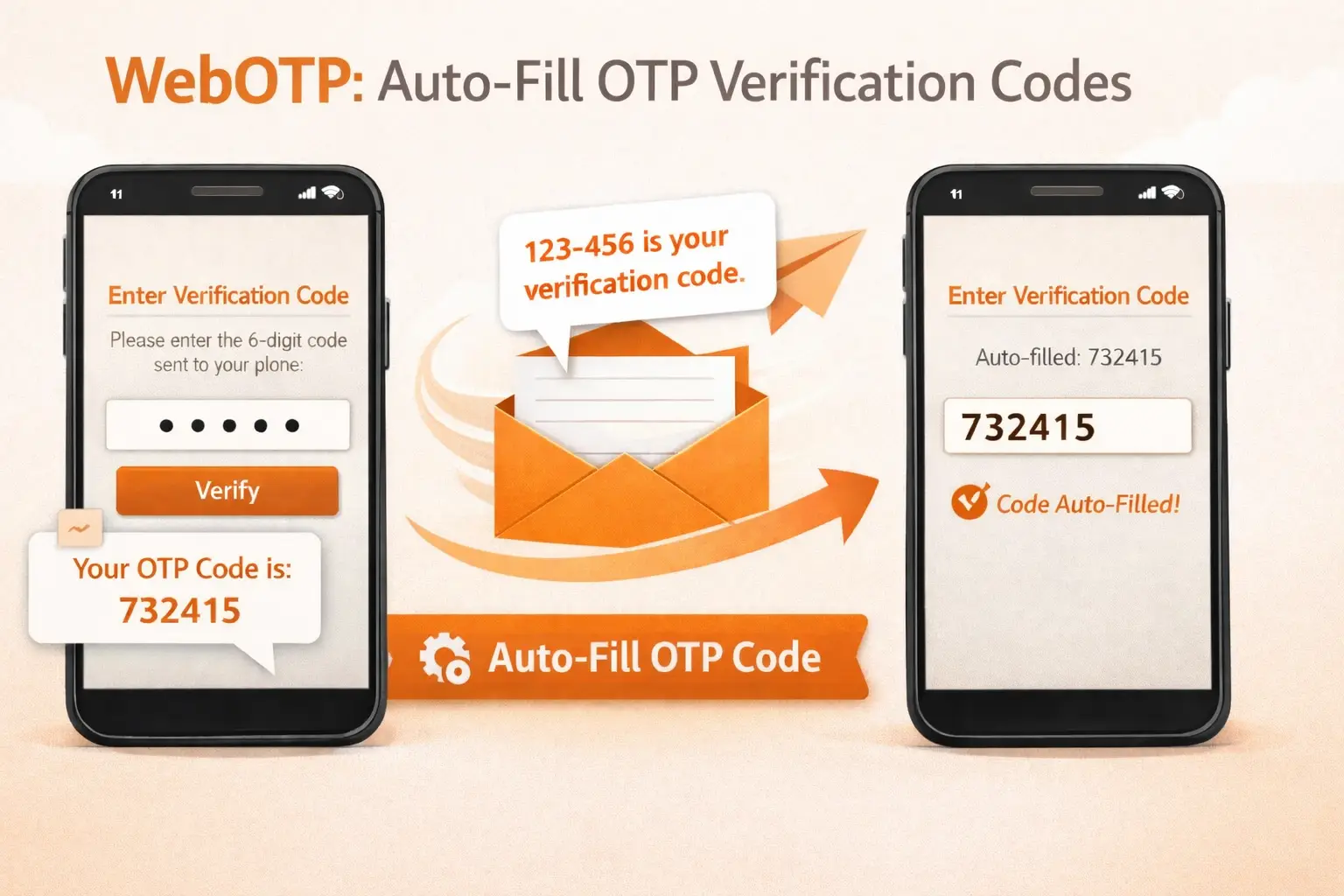
WebOTP is a browser API that enables the automatic extraction and filling of one-time passwords (OTPs) from SMS messages. This feature eliminates the need for users to manually read and type verification codes, providing a seamless authentication experience.
Table Of Contents
How It Works
- User requests an OTP code (login, 2FA, or phone verification)
- SMS is sent to the user’s phone with a specially formatted message
- The browser detects the incoming SMS and extracts the OTP code
- The code is automatically filled into the input field
- The form is submitted automatically
Requirements
Browser Support
WebOTP is supported on the following browsers:
| Browser | Platform | Minimum Version |
|---|---|---|
| Chrome | Android | 84+ |
| Edge | Android | 84+ |
| Opera | Android | 60+ |
| Samsung Internet | Android | 14+ |
Note: WebOTP is not supported on iOS Safari or desktop browsers.
Website Requirements
- Your website must be served over HTTPS
- The domain in the SMS must exactly match your website domain
SMS Message Format
For WebOTP to work, your SMS message must include a special format at the end. The format consists of:
Your verification code is %code%
@yourdomain.com #%code%
Format Rules
- The origin-bound code must be on the last line of the SMS
- Use `@` followed by your exact domain (without `https://` or paths)
- Use `#` followed by the OTP code
- There must be a space between the domain and the code
Examples
Basic Example:
Your verification code is 123456

@example.com #123456
With Site Name:
[MyWebsite] Your login code is 987654

@mywebsite.com #987654
Multi-language Example:
Your verification code: 456789
رمز التحقق الخاص بك: 456789

@shop.example.com #456789
Setting Up Your SMS Template
In your WP-SMS notification settings, update your OTP message template to include the WebOTP format:
Template Variables
Use the %code% or %otp% variable in your template:
Your verification code is %code%

@yourdomain.com #%code%
Important Notes
- Replace
yourdomain.comwith your actual website domain - The domain must match exactly (including subdomains)
- For
www.example.com, use@www.example.com - For
shop.example.com, use@shop.example.com
Supported Features
WebOTP auto-fill works with the following WP-SMS features:
WP-SMS Pro
- Two-Factor Authentication (2FA) on WordPress login
- Login with SMS OTP
WP-SMS WooCommerce Pro
- Checkout phone verification
- My Account login with SMS
- Phone number verification modal
Troubleshooting
OTP Not Auto-Filling?
1. Check Browser Support
- Ensure you’re using a supported Android browser
- Update your browser to the latest version
2. Verify HTTPS
- Your website must use HTTPS
- Check that SSL certificate is valid
3. Check SMS Format
- Ensure the
@domain #codeis on the last line - Verify the domain matches your website exactly
- Make sure there’s a space between domain and code
4. Check Domain Match
- The domain in SMS must match the website domain exactly
- Subdomains matter:
www.example.com≠example.com
Testing WebOTP
To test if WebOTP is working:
- Open your website on an Android device with Chrome
- Trigger an OTP request (e.g., login, 2FA, etc.).
- When the SMS arrives, you should see a browser prompt asking to auto-fill
- Tap the prompt to auto-fill the code
Debug Mode
Open browser developer tools and check the console for WebOTP debug messages:
WebOTP: [message]Security Considerations
- WebOTP only works on HTTPS websites
- The SMS must originate from your SMS gateway
- The domain binding prevents phishing attacks
- Users can always decline the auto-fill prompt
Browser Behavior
When an OTP SMS is received:
- Android Chrome/Edge: Shows a bottom sheet with the OTP code
- User Action: User can tap to auto-fill or dismiss
- Auto-Submit: After auto-fill, the form is automatically submitted
FAQ
Q: Does this work on iPhone?
A: No, WebOTP is not supported on iOS. Apple uses a different method for SMS auto-fill.
Q: What if the user has multiple SIM cards?
A: WebOTP works with any SMS received on the device, regardless of which SIM receives it.
Q: Is this secure?
A: Yes, WebOTP includes origin-binding which ensures the code can only be used on the specified domain.
Q: Do I need to enable anything in WP-SMS settings?
A: No, WebOTP works automatically. You only need to update your SMS template to include the special format.
Resources
WebOTP API Specification (W3C)
Web OTP API – MDN Web Docs
Verify phone numbers with WebOTP – Google