

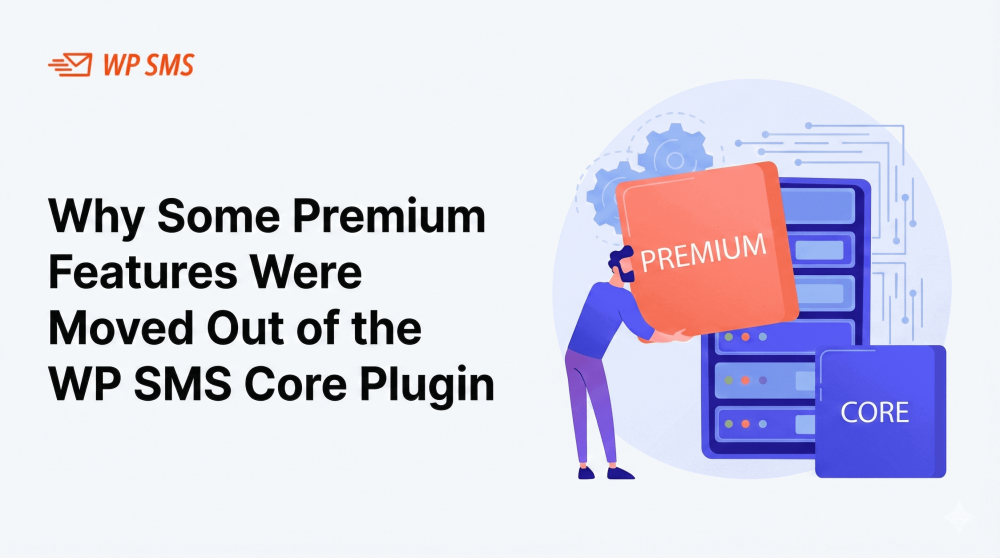
We want to share an important update regarding a recent change in how premium features are packaged in WP SMS. If you’ve noticed updates to your plugin or the introduction of new add-ons, this post explains what changed, why it happened, and exactly what you need to do next.
Why We Made This Change
To ensure full compliance with WordPress.org, and to continue offering WP SMS through WordPress.org, we separated certain premium features from the core plugin and moved them into dedicated add-ons.
This change:
- Keeps WP SMS fully aligned with WordPress.org rules
- Provides a clearer, more modular structure
- Ensures long-term stability and compatibility
Most importantly:
No premium features were removed or discontinued.
They have only been moved into the appropriate add-ons.
Which Features Were Affected?
The affected features include a number of premium tools and integrations that were previously bundled inside WP SMS Pro or included directly in the core plugin.
These features are now available through individual add-ons, such as:
- WP SMS Pro Add-on
- WP SMS WooCommerce Pro
- WP SMS Gravity Forms Add-on
- WP SMS Contact Form 7 Add-on
- WP SMS Elementor Add-on
- WP SMS BuddyBoss Add-on
- Other premium integrations and enhancements
Each feature continues to work the same way, it is simply delivered as a separate add-on plugin.
No Features Removed, Just Repackaged
We want to reassure our users that the “Pro” label was removed from the plugin name only for compliance reasons.
No functionality was taken away.
Your existing features remain fully available in the new structure through the relevant add-ons.
What You Need to Do
To ensure your site continues to work smoothly, please follow these steps:
1. Log into your WP SMS account
Visit your account dashboard here:
https://wp-sms-pro.com/my-account/
2. Download the latest versions of your add-ons
You will see all premium products associated with your account, including WP SMS Pro and any integrations you previously purchased.
3. Install the add-ons on your WordPress site
Upload them via:
WordPress Dashboard → Plugins → Add New → Upload Plugin
4. Activate the add-ons
Once activated, all your premium features will appear just as before — no additional configuration required.
Why This Matters for You
Updating to the new add-on structure ensures:
- Full compatibility with the latest WP SMS updates
- Seamless feature access
- Better performance and plugin stability
- Future improvements and updates delivered more cleanly
Our goal is to make WP SMS easier to maintain, easier to scale, and more compliant with the broader WordPress ecosystem.
Need Help? We’re Here for You
If you have any questions or need assistance updating your plugins, our support team is ready to help.
? Email: [email protected]
Thank you for your understanding and continued trust in WP SMS!